
Bold Text Generator
Make important words stand out without changing your device’s settings. Type above, preview different bold styles, and copy your favorite for free.
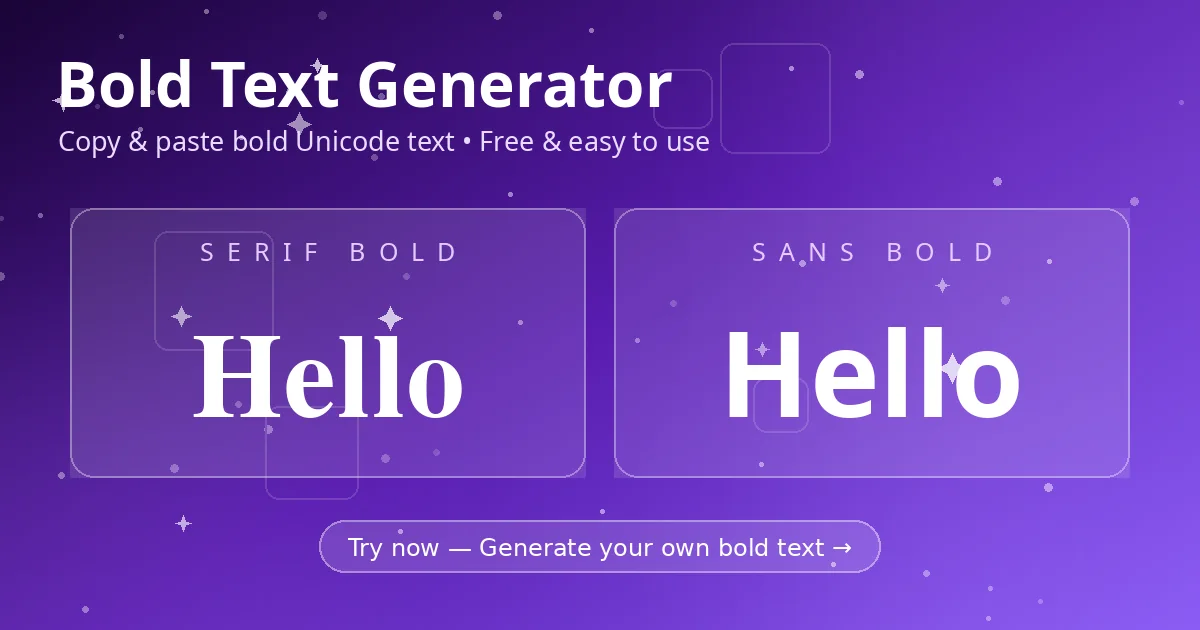
How to Create Copyable Bold Text
You don’t need a bold keyboard or extra software. Our bold text maker turns your typing into several heavier-looking letter designs.
Type a name, heading, or short announcement.
Preview the available designs and choose a bold style.
Copy the result and paste it wherever you want to use it.
For reliable bold text copy and paste, try a short sample first. Some platforms display decorative characters differently.
Compare Bold Font Styles Before Copying
A bold font changer lets you explore several looks without installing a typeface. Compare how each style fits your message:
| Style | Example | Best for |
|---|---|---|
| Bold Serif | 𝐇𝐞𝐥𝐥𝐨 | Classic headings |
| Bold Sans | 𝗛𝗲𝗹𝗹𝗼 | Modern bios |
| Bold Italic | 𝑯𝒆𝒍𝒍𝒐 | Short emphasis |
| Bold Script | 𝓗𝓮𝓵𝓵𝓸 | Personal greetings |
| Bold Fraktur | 𝕳𝖊𝖑𝖑𝖔 | Dramatic names |
A bold script font has a softer appearance than a thick font with straight edges. Fancy bold fonts suit invitations, while cute bold fonts work for playful nicknames. For a clean bold aesthetic, stick to one design.
Example: “Sale 2026” → “𝗦𝗮𝗹𝗲 𝟮𝟬𝟮𝟲”. Some styles include bold numbers, while others leave digits unchanged.
Try More Font Styles
Looking for a different look? Jump straight to these free generators:
Where to Use Bold Letters Online
Copyable bold letters are handy in places without a traditional bold button. Choose short, meaningful highlights instead of styling every sentence.
- Instagram: Emphasize a bio line, display name, or caption.
- Facebook: Highlight an announcement in a regular post or comment.
- TikTok: Give a profile description an eye-catching heading.
- Discord: Style display names and chat messages, not restricted @usernames.
- WhatsApp: Paste characters or surround text with asterisks for native bold formatting.
Use bold words to guide attention, but keep hashtags, addresses, and searchable names plain.
How Is Unicode Bold Different from a Regular Font?
A bold font in a document editor changes the appearance of ordinary letters. Here, text to bold conversion uses different Unicode characters that already look heavy.
The Unicode Standard describes these mathematical alphanumeric symbols. This approach makes bold lettering portable, but it doesn’t guarantee every device can display every character.
When Should You Keep Text Plain?
Not every field accepts stylized characters. Searchable usernames, official forms, hashtags, and website addresses are safer in regular text.
Some platforms also count decorative symbols differently toward character limits. Before publishing, paste your chosen line into the final app and inspect its spacing, punctuation, and readability on mobile.
For better readability, the W3C accessibility guidelines explain why sufficient contrast between text and its background matters, especially for people with low vision.
Frequently Asked Questions
Here are quick answers to common questions about this tool.
What is a bold text generator?
It converts ordinary letters into bold-looking Unicode characters. You can copy the result for short names, captions, or messages.
How does the bold text generator work?
It replaces supported characters with Unicode look-alikes. Choose a preview, copy it, and paste it into another app.
How do I make bold text to copy and paste?
Enter your words and select an available design. Click Copy, then paste the result into your chosen field.
How do I make text bold on Instagram?
Copy a bold version and paste it into your bio or caption. Decorative Unicode generally won’t work in Instagram @usernames.
How do I post bold text on Facebook?
Copy your preferred design and paste it into a regular post. Check how it looks after publishing, especially on mobile.
Is the bold text generator free to use?
Yes, it’s completely free, with no charges or sign-up. Explore styles and copy as often as you like.
Will bold text work on Instagram and WhatsApp?
Common Unicode styles usually display in bios, captions, and chats. WhatsApp also lets you bold messages using *asterisks*.
Why does bold text show as boxes on some devices?
The app or device may lack support for those characters. Try Bold Sans or Bold Serif and check again.
Which bold style is most compatible?
Bold Sans and Bold Serif are sensible first choices. Always test the pasted result on your target platform.
Can I use bold text in my Discord username?
No, current Discord @usernames restrict decorative Unicode characters. Try them in your Discord display name instead.
Make Your Highlights Count
Choose readable lettering and emphasize only what matters. Small touches often work better than styling an entire paragraph.
More Text Tools
Explore more free font generators: