
Strikethrough Text Generator
Cross out old plans or show a playful correction. Type above, preview the effects, and copy your favorite for free.
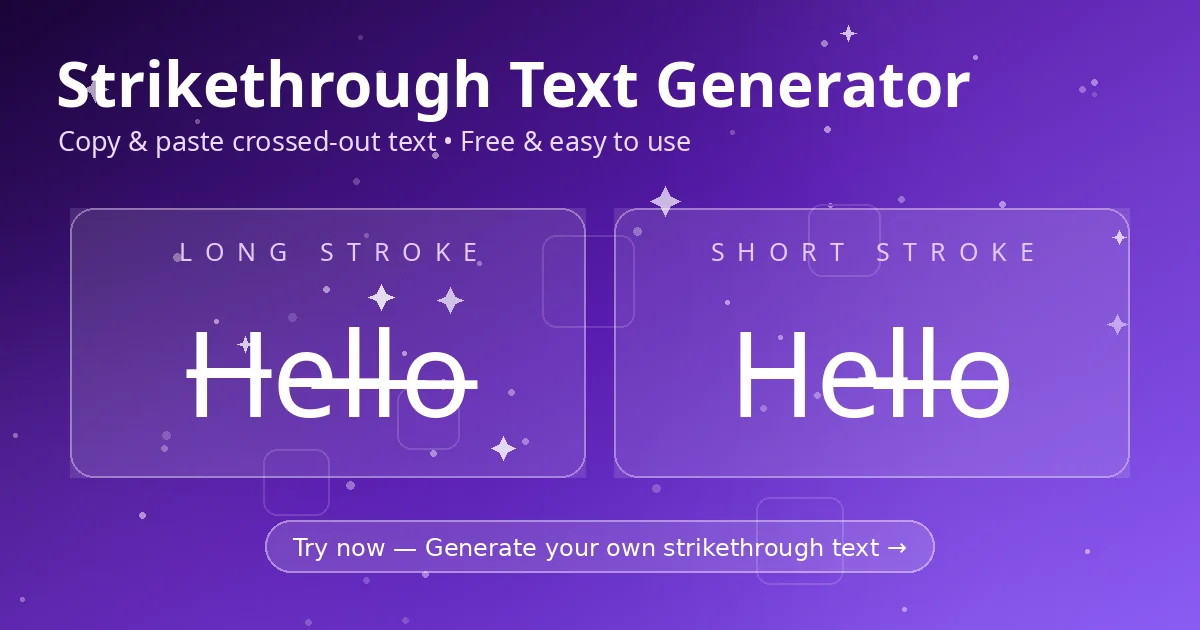
How to Do Strikethrough and Copy the Result
Draw a line through text without learning a strikethrough command. Our strikethrough text maker adds a mark to each character as you type.
Enter: Type the words you want to cross out.
Compare: Choose horizontal Strikethrough or look for the diagonal Slashed style.
Copy: Select the result, then paste it into your post, message, or bio.
The text copy already includes the effect; you don’t need a special crossed out font.
Horizontal Line or Diagonal Slash?
Compare these crossing effects:
| Style | Example | Appearance |
|---|---|---|
| Strikethrough | S̶a̶l̶e̶ | A horizontal line across letters |
| Slashed | S̸a̸l̸e̸ | A diagonal mark across letters |
| Bold Strikethrough | 𝗦̶𝗮̶𝗹̶𝗲̶ | Heavy letters with a crossing line |
| Italic Strikethrough | 𝑆̶𝑎̶𝑙̶𝑒̶ | Slanted letters with a crossing line |
| Tilde Strike | S̴a̴l̴e̴ | A wavy line across plain letters |
If you want to slash through text, use the Slashed option rather than the ordinary strikeout effect. A circle with a strike through it, such as a prohibition sign, is a separate symbol—not a way to cross out a sentence.
Try More Font Styles
Looking for a different look? Jump straight to these free generators:
When Is Crossing Out Better Than Deleting?
Striking through a phrase leaves the original visible. That can be more informative—or funnier—than simply removing it.
- Corrections: Show the old date beside the replacement.
- Completed tasks: Scratch out text on an informal checklist while keeping your progress visible.
- Humor: Cross out an obvious exaggeration and replace it with the real answer.
- Price changes: Show an old amount with the current price clearly labeled.
These text tricks work when readers understand what was struck through. Avoid crossing out critical warnings or instructions.
Unicode Crossout vs. Built-in Formatting
This tool creates crossed-out characters using Unicode combining marks. Each letter carries its line when pasted into many supported fields. Native formatting works differently: an app applies a style to ordinary text.
For example, Discord’s official Markdown formatting guide shows how ~~words~~ produces a line through text in chat. Word processors offer formatting buttons. Prefer these for editable documents and accessible writing.
Why Crossed-Out Text Can Change After Pasting
Different apps position Unicode combining marks differently, so the line may shift, overlap, or disappear. Combining bold or italic characters with marks can increase the chance of uneven spacing.
A cross out symbol isn’t the same as Unicode strike-through marks attached to letters. Before posting, check the result on your target device and keep important text unstyled.
Frequently Asked Questions
Here are quick answers about creating, copying, and using crossed-out text.
What is a strikethrough text generator?
It’s an online tool that adds visible lines across typed characters. You can copy the effect into supported messages, captions, and posts.
How do I cross out text to copy and paste?
Enter a word or phrase above and select the crossed-out preview. Click Copy and paste the resulting characters wherever you need them.
What platforms support strikethrough text?
Many chat and social platforms display Unicode crossed-out characters. Exact positioning depends on the app, browser, and device.
Is the strikethrough text generator free to use?
Yes, our tool is free with no sign-up or hidden charges. Use the available effects and copy results as often as needed.
What are the different strikethrough styles?
The tool includes a horizontal Strikethrough and diagonal Slashed effect. Some combinations add lines to styled lettering.
Can I combine strikethrough with bold or italic?
Yes, some styles combine decorative letters with crossing marks. Check their appearance after pasting because layered characters may render unevenly.
Why does strikethrough look different after pasting?
The marks rely on how each device draws Unicode characters. Fonts and line spacing can change their position.
Is strikethrough text readable by screen readers?
Not always in the way you expect, because inserted combining marks can affect pronunciation. Use native document formatting for accessibility-sensitive content.
Does the tool store my text?
The conversion runs in your browser without requiring an account or upload. Other site scripts may have separate data practices.
When should I use strikethrough instead of deleting text?
Use it when readers benefit from seeing an earlier choice or correction. Delete text when the old information could confuse them.
Make the Correction Easy to Understand
Keep the crossed-out part short and explain what changed. A visible edit is most helpful when the replacement is immediately clear.
More Text Tools
Explore more free font generators: