
Gothic Font Generator
Give your names, gaming profiles, and captions a medieval touch with striking blackletter designs. Type your words above, compare Gothic styles, and copy your favorite instantly for free.
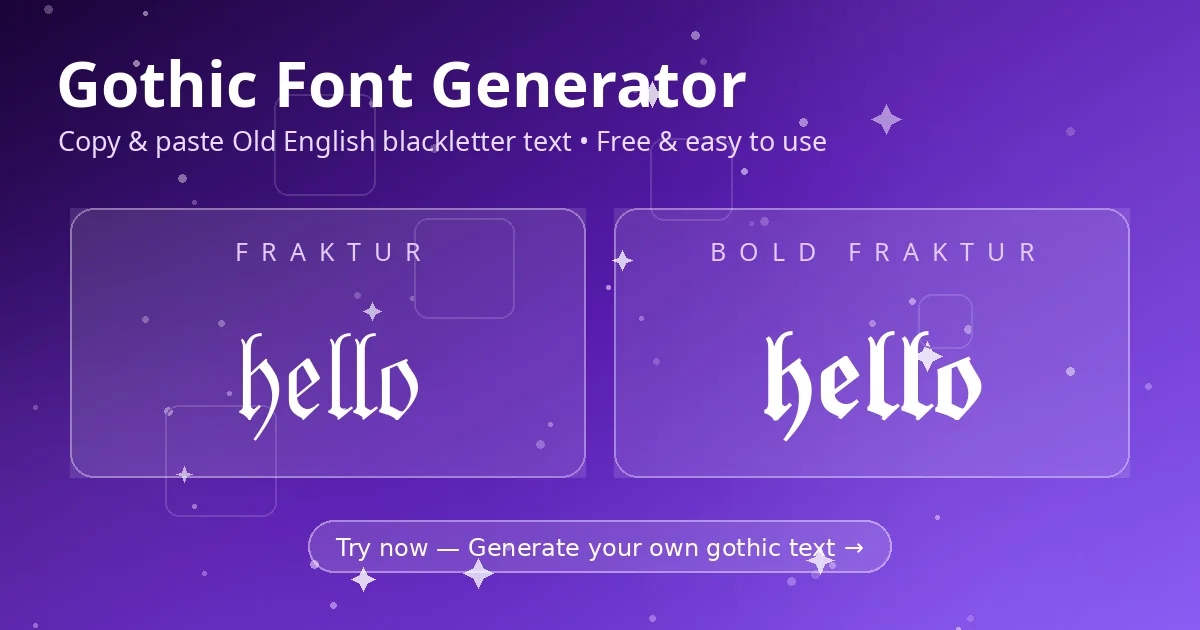
How to Create Gothic Text and Copy It
A gothic text generator changes ordinary typing into decorative characters you can use across different platforms. You don’t need a gothic keyboard or special software.
Enter a name, nickname, or short phrase.
Preview the Fraktur and Bold Fraktur styles.
Copy your favorite design and paste it wherever you need.
For smooth gothic font copy and paste, check the result in your destination app. This gothic text maker works particularly well for short, eye-catching words.
Fraktur vs. Bold Fraktur: Which Gothic Style Looks Better?
Both styles capture the traditional blackletter appearance, but their visual weight differs.
| Style | Example | Best for |
|---|---|---|
| Fraktur | 𝔑𝔦𝔤𝔥𝔱 | Classic names, vintage headings |
| Bold Fraktur | 𝕹𝖎𝖌𝖍𝖙 | Gaming profiles, dramatic titles |
| Double Struck | ℕ𝕚𝕘𝕙𝕥 | Board-style letters for striking titles |
| Fraktur Underline | 𝔑̲𝔦̲𝔤̲𝔥̲𝔱̲ | Vintage letters with a line below |
| Fraktur Strikethrough | 𝔑̶𝔦̶𝔤̶𝔥̶𝔱̶ | Crossed-out gothic words |
A traditional gothic font has intricate shapes, while a gothic bold font creates stronger visual emphasis. Choose regular Fraktur for antique charm or Bold Fraktur for striking dark lettering.
The blackletter font alphabet features angular strokes and closely arranged characters. Check similar-looking letters before copying longer names.
Gothic, Blackletter, and Old English: What’s the Difference?
Blackletter refers to a family of dense, angular writing and printing styles. Fraktur belongs to this tradition, while Old English is a familiar modern label for similar decorative lettering.
A medieval font or blackletter font can be an installed typeface, whereas this tool produces Unicode characters. The Library of Congress shows how Gutenberg’s early printing resembled Black Letter Gothic writing.
Terms like typeface blackletter, font fraktur, and script gothic often appear when exploring related designs. A gothic calligraphy font imitates decorative pen strokes, while an old english gothic font evokes historical printed lettering.
Try More Font Styles
Looking for a different look? Jump straight to these free generators:
Where Can You Use Gothic Lettering?
Gothic characters suit creative settings where ordinary letters feel too simple. Try these ideas:
- Gaming names: Create medieval-inspired identities for online characters.
- Social media: Add striking lettering to Instagram bios or Discord display names.
- Band names: Give music projects a distinctive Gothic atmosphere.
- Tattoo ideas: Explore lettering arrangements before consulting a tattoo artist.
- Creative designs: Combine short names with goth text symbols for decorative effects.
Why Do Gothic Numbers and Symbols Look Different?
Unicode Fraktur primarily provides styled letters, not matching digits. That’s why people expecting old english font numbers may notice ordinary 123 alongside decorative characters.
Some apps may also display unsupported symbols as empty boxes. When experimenting with text gothic effects, check your results on different devices before saving them.
Frequently Asked Questions
Here are common questions about creating, copying, and using Gothic lettering.
What is a gothic font generator?
It’s an online tool that converts ordinary letters into Gothic-looking Unicode characters. You can preview different styles and copy them without installing fonts.
How do I make gothic text to copy and paste?
Type your words above and choose Fraktur or Bold Fraktur. Click Copy and paste the result into your preferred app.
Is gothic the same as Old English and blackletter?
These terms describe related lettering traditions but aren’t historically identical. Today, Old English commonly refers to blackletter-inspired decorative typography.
Are these real fonts or Unicode characters?
The copied results are Unicode characters rather than downloadable font files. Their appearance depends on the fonts supported by your device.
Is the gothic font generator free to use?
Yes, our tool is completely free without registration or hidden charges. You can generate and copy available Gothic styles whenever you want.
Does gothic text work on Instagram?
Decorative Gothic characters generally work in bios, captions, and display names. Instagram @usernames usually don’t accept these special letters.
Can I use gothic text on Discord?
Yes, compatible characters can appear in Discord messages and display names. Account usernames have stricter character restrictions.
Why don’t numbers change in gothic text?
Unicode Fraktur alphabets don’t include matching Gothic-style digits. Numbers generally remain unchanged during conversion.
Can I use gothic text for tattoos?
Yes, the lettering can inspire tattoo designs and arrangements. Ask a professional artist to refine the shapes and spacing before tattooing.
Will gothic text work in PUBG and Free Fire?
Some decorative characters may work in gaming names, depending on platform restrictions. Test your chosen design before confirming it.
Give Your Words a Timeless Gothic Look
Experiment with different styles and choose lettering that remains readable. A few carefully styled words can create a memorable impression.
More Text Tools
Explore more free font generators: